Shipping a real product in 48 hours, with AI in the loop
Product designDesign EngineeringAI in the loop
Wavy Club | Surfboard rental platform
Apr 2026

Wavy app · EXP #01 · Surf forecast for everyone
Challenge
Wavy is №01 in my series of experiments building real products with AI in the loop. The point was never to ship a side project — it was to test whether I could collapse design and engineering into one workflow.
I gave myself Surfline as a fixed reference. A known target removes the blank-page problem. But Surfline is built for experienced surfers who already speak the language: swell period, wind direction, tide charts. Beginners stare at the same data and still can't answer the only question that matters: “Should I go today, and where?”
This is a problem I faced myself when I started surfing. I needed someone to help me decide whether the conditions were right for me.
Approach
I ran it as a loop — Frame, Specify, Build, Break, Refine — each stage built around one constraint: what's the minimum spec I can write that still communicates intent?
I'll be honest — I'd never touched Cursor or built an app before. I was learning this thing they call “vibe-coding.” But I knew exactly how I wanted this MVP to feel.
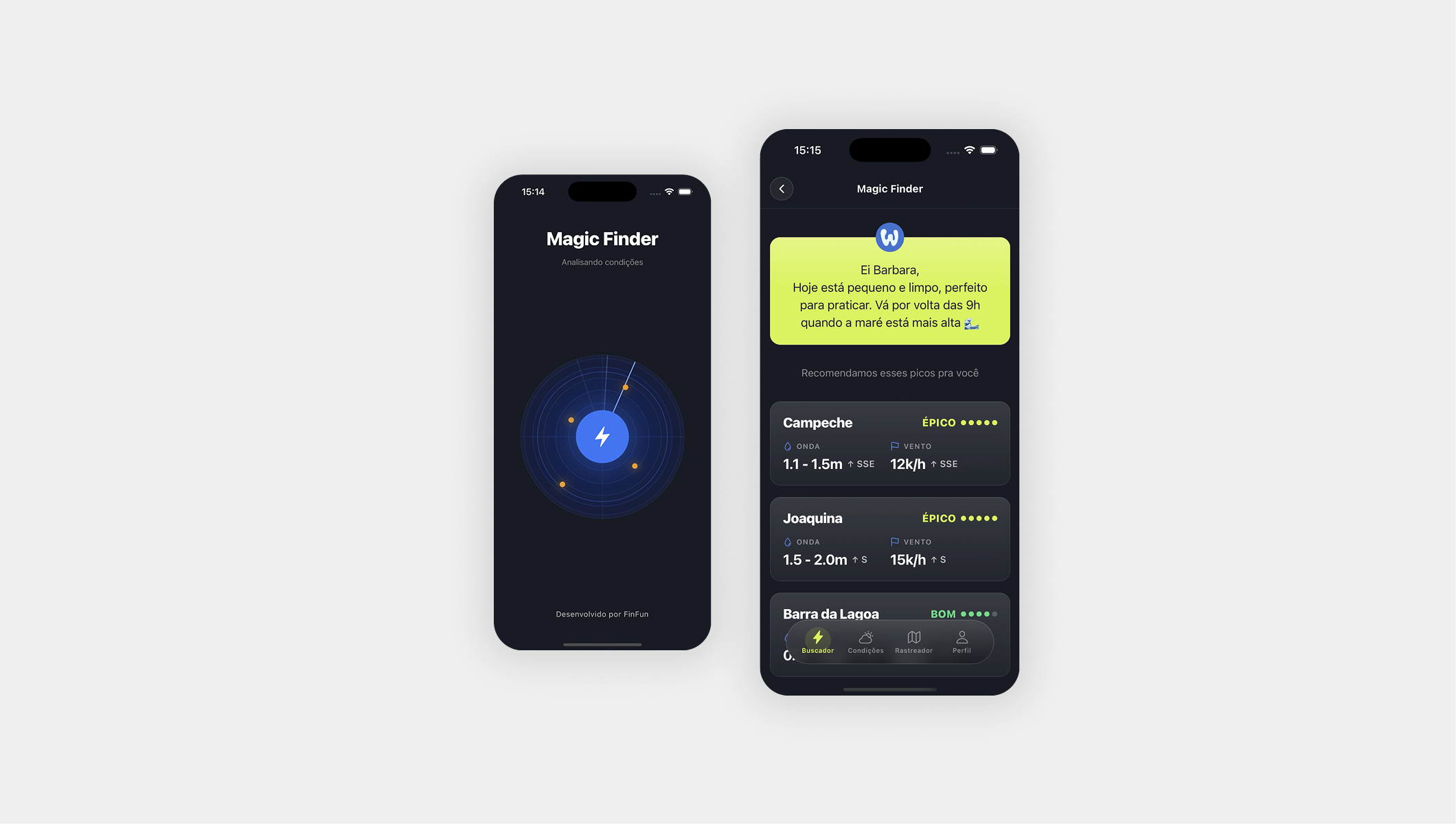
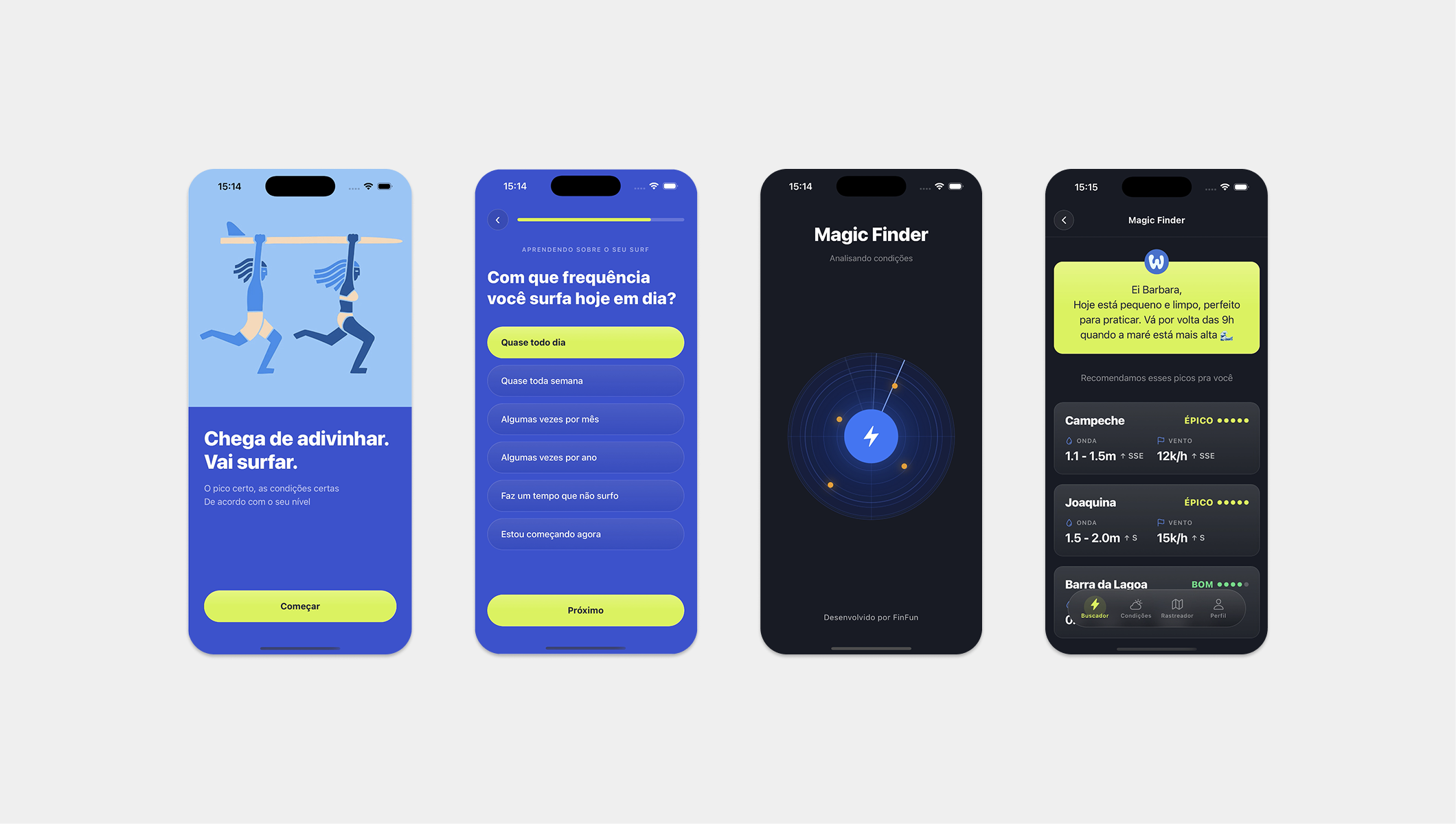
The user comes in and answers a few quick questions so the app understands what conditions are ideal for them. Then they tap a single button — and the app reads the live conditions nearby and tells them exactly which spots are most likely to be good for surfing right now.
Since I'd never coded before, my approach was to state the goal, give the AI a little context, and start with the core experience: clicking a button and getting results. Then I built out the other pages. I didn't give the AI a design system or many instructions — I only uploaded a visual reference and told it the colors I wanted reflected in the app.
Today — after running other experiments and gaining a bit more experience — I'd do everything differently. I'd do a shaping and breadboarding pass and spend more time planning what I actually wanted to see, especially how the results could be genuinely useful, since each beach has its own conditions, geography, and particularities. But that was fun!
The solution
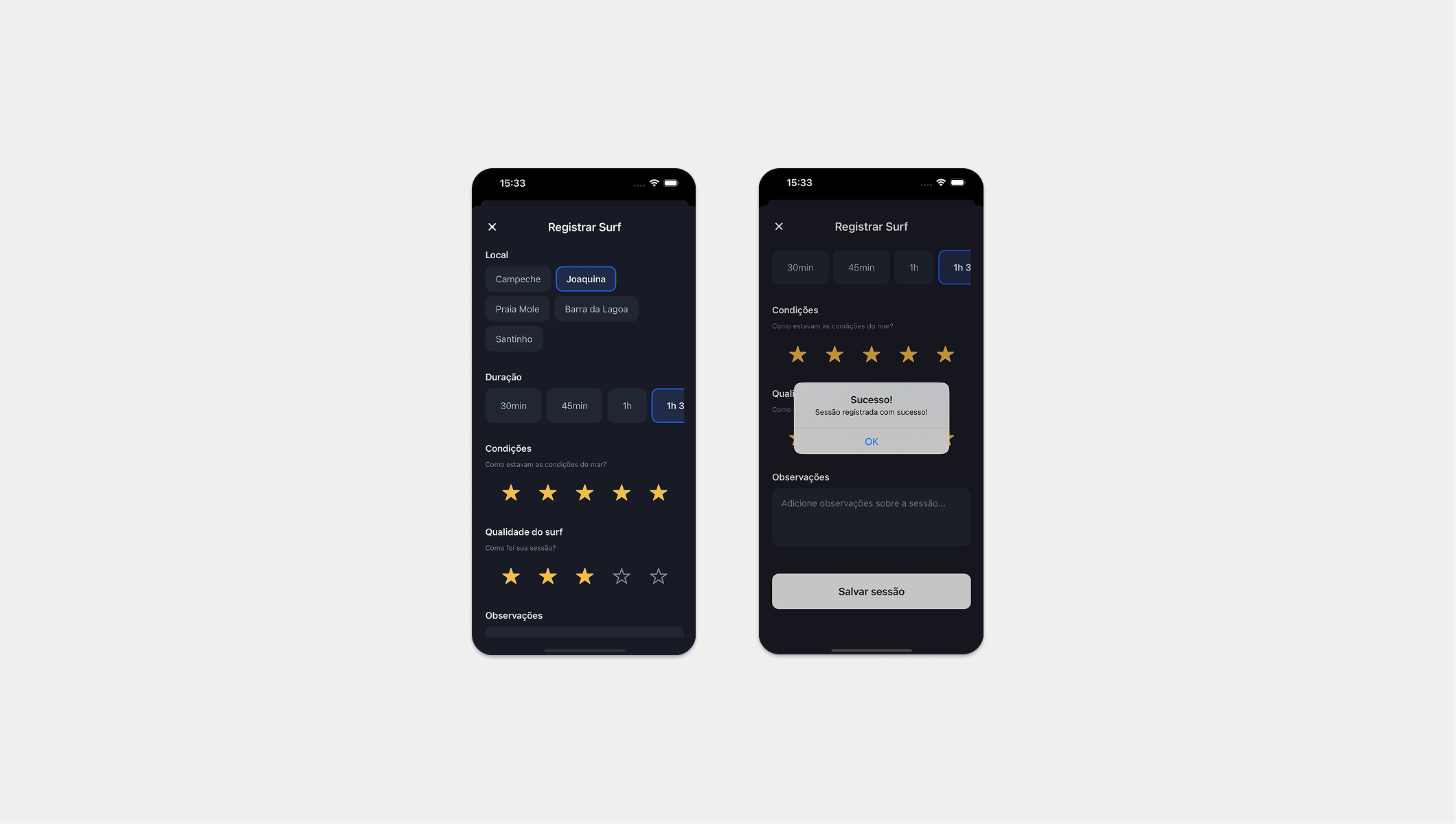
Shipped a functional React Native prototype in under a week — onboarding flow, four main screens, a Magic Finder that recommends spots based on your level, and a tracking system built around weekly consistency instead of streaks.
I committed to a rating system early (Poor → Fair → Good → Great → Epic, color-coded) and never revisited it. I left the Supabase backend for later — the prototype runs on mock data, because proving the interaction model mattered more than proving the database schema. Some screens are rough. That's the point.
The real result was the practice: I now understand how to frame for AI, where natural language fails, and how to stay in the design seat while the code writes itself. The app is the evidence. The process is the product.
Turns out people want this. I shared the prototype on my Instagram, started a beta-tester list — and a few surfers signed up. So I'm picking this project back up and shipping it to the App Store.
Each experiment teaches the next.